Seneca Student Home, MySeneca and Learn@Seneca: Portals and Enrolment Dates
Seneca uses separate systems for your application, your timetable and your coursework. Here's which one does what.
Sources checked September 29, 2026. View sources

Which system does what
One Seneca account signs you in to Student Home, Learn@Seneca and your student email. Domestic applicants confirm offers on OntarioColleges.ca, not in a Seneca portal.
| System | Use it for |
|---|---|
| Student Home | Application status, to-do tasks, offer and fee letters, class schedule and enrolment, grades and transcript, your financial account and financial aid |
| MySeneca | Your central access point for Seneca's online portals and resources |
| Learn@Seneca (Blackboard) | Course content, links to online classes and assignments. Course information should appear by the first day of class. |
| Seneca student email | All formal communications and verifications from Seneca |
| Seneca OneCard | Your official Seneca ID, with your student number, photo and funds. You may not need a virtual OneCard if all your classes are online. |
| OntarioColleges.ca | Where domestic applicants confirm a Seneca offer |
Setting up your Seneca account
Seneca emails your username, password and student email address to your personal email. Check your junk folder if it doesn't arrive.
Multi-factor authentication is mandatory for every student. Install Microsoft Authenticator on your phone before you need to sign in, because you'll be asked to approve sign-ins often. Password resets go through Seneca's MyID self-service site.
Using Student Home as an applicant
The Admissions tile in Student Home lists each active full-time Seneca application. Application Status shows each program choice. International applicants accept or decline offers there, while domestic applicants confirm through OntarioColleges.ca.
Domestic applicants can also see which admission requirements are met. Alternate program offers appear in their own list, where you can confirm them. Offer and fee letters arrive in the Communication Centre tile.
Watch the Tasks tile. Its To Do List shows outstanding requirements, and Holds shows unpaid fees or other issues that can stop you enrolling in classes.
Choosing your classes
You're responsible for selecting your class schedule in Student Home. New domestic students must pay the tuition deposit before selecting classes. New international students must pay full fees by the due date on their invoice. Your account must be in good standing, with any earlier fees paid.
Depending on your program, you'll either pick individual classes or choose a set schedule, called block enrolment. A block doesn't include your COM course, so you add COM101 or COM111 yourself.
- You may need a mathematics skills assessment before you can enrol in the right math course. Book it with the Test Centres early. There's no extra fee.
- Leave travel time if your classes are at different campuses.
- You're academically and financially responsible for every course you enrol in.
Key dates for fall 2026 and winter 2027
These dates are for full-term (Session 1) classes, from Seneca's important academic dates pages. Seven-week and 16-week sessions have their own deadlines, so check the full list if your program uses them.
| What | Fall 2026 | Winter 2027 |
|---|---|---|
| Tuition deposit due, new domestic students | June 10, 2026 | Nov. 11, 2026 |
| Open enrolment begins in Student Home | Aug. 7, 2026 | Dec. 10, 2026 |
| Classes begin and tuition due | Sept. 8, 2026 | Jan. 11, 2027 |
| Last day to add a course | Sept. 17, 2026 | Jan. 20, 2027 |
| Last day to drop without a grade, with a potential refund | Sept. 21, 2026 | Jan. 22, 2027 |
| Study week | Oct. 26 to 30, 2026 | March 1 to 5, 2027 |
| Last day to drop with a DNC (Did Not Complete) grade | Nov. 13, 2026 | March 19, 2027 |
- Transfer credit requests for winter 2027 are due by Dec. 1, 2026.
Where to get help
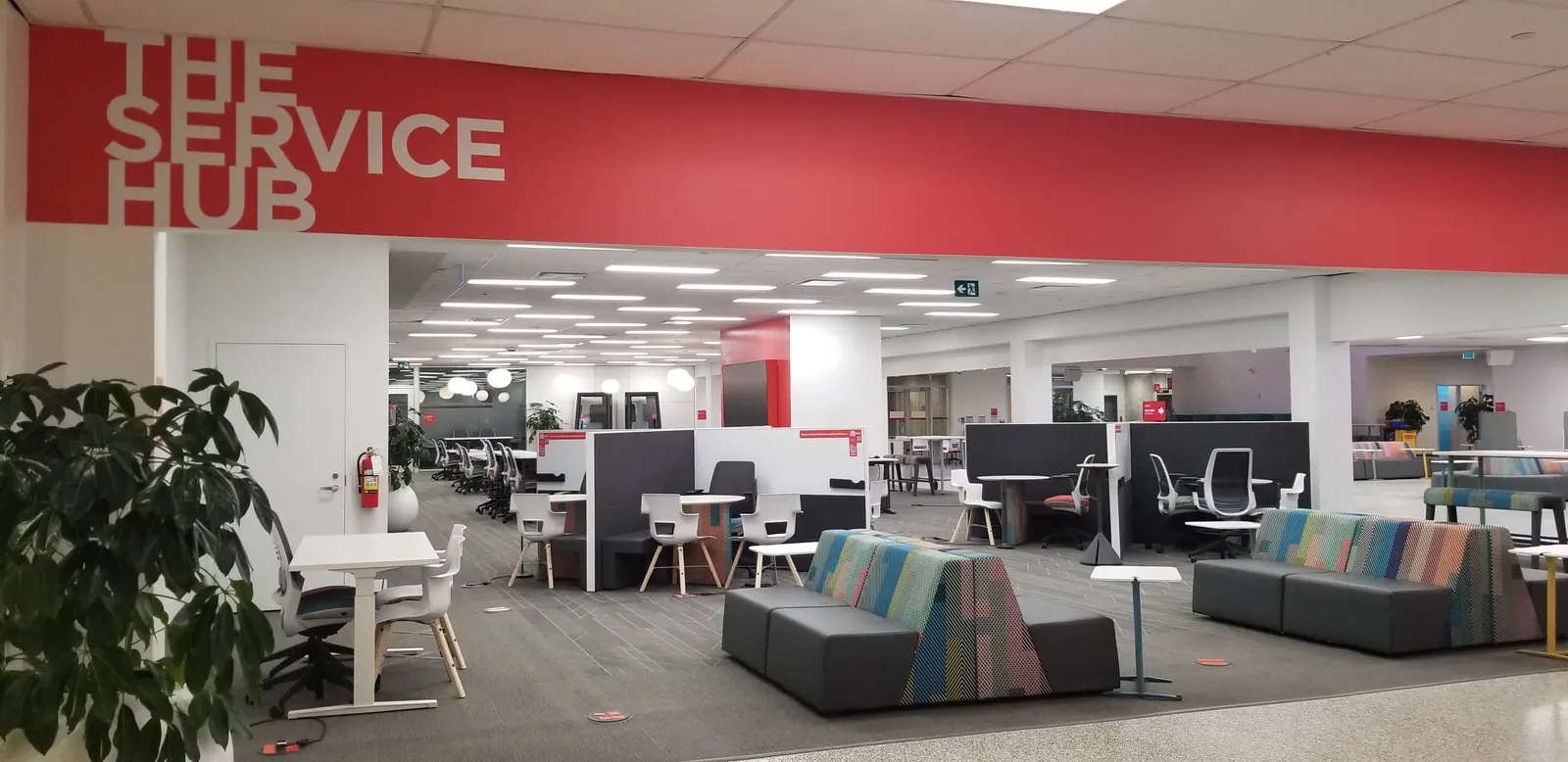
The Service Hub answers questions about Student Home, admissions and registration at theservicehub@senecapolytechnic.ca. For sign-in or technology problems, use the IT support page listed in Seneca's new-student technology guide.
Keep exploring
Sources and updates
This independent guide summarizes the official information linked below. Prices, dates, hours and access rules can change; check the relevant Seneca page before making a decision.
- Seneca Polytechnic: Student Home quick start
- Seneca Polytechnic: Student Home admissions
- Seneca Polytechnic: Student Home information and links
- Seneca Students: IT guide for new students
- Seneca Students: Selecting Your Class Schedule
- Seneca Students: Fall 2026 important academic dates
- Seneca Students: Winter 2027 important academic dates